
Last updated November 4, 2026
 Wrought iron
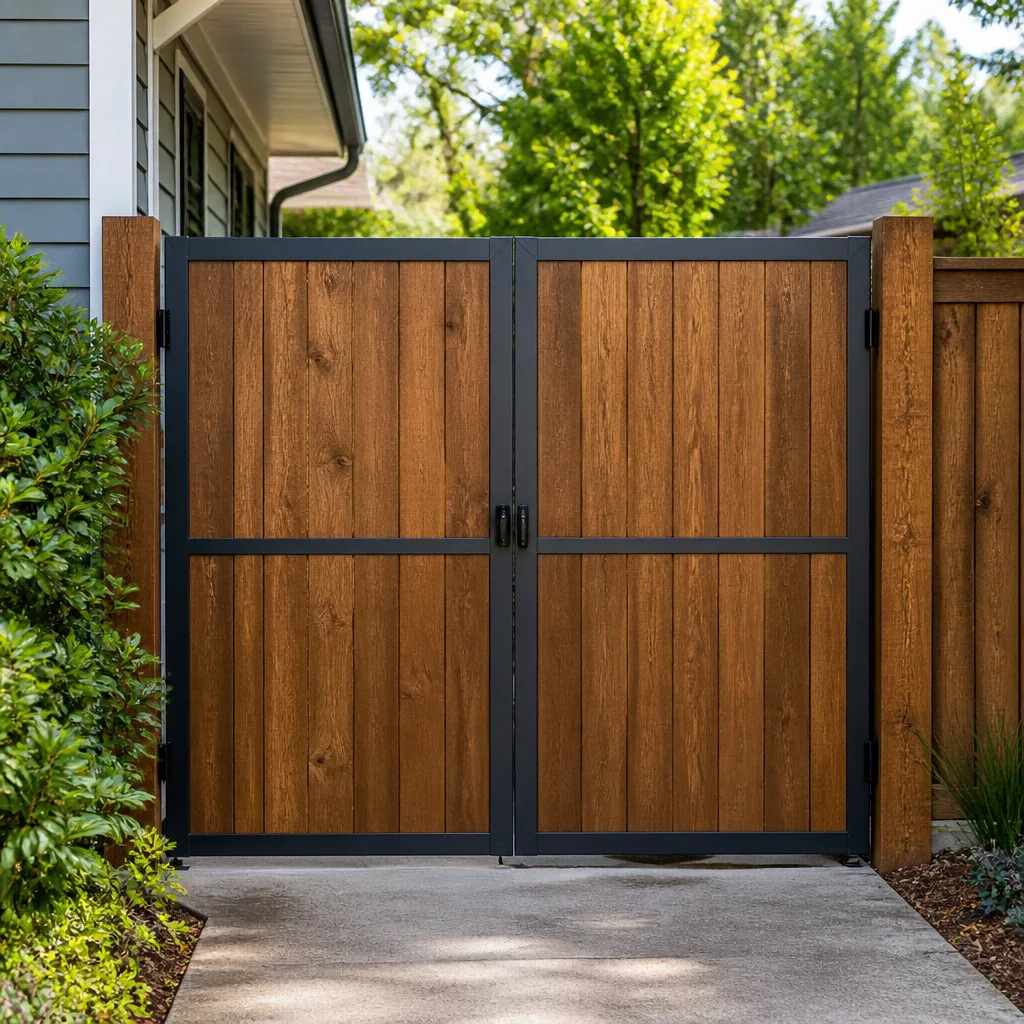 Wood & steel frame
 Farm & ranch
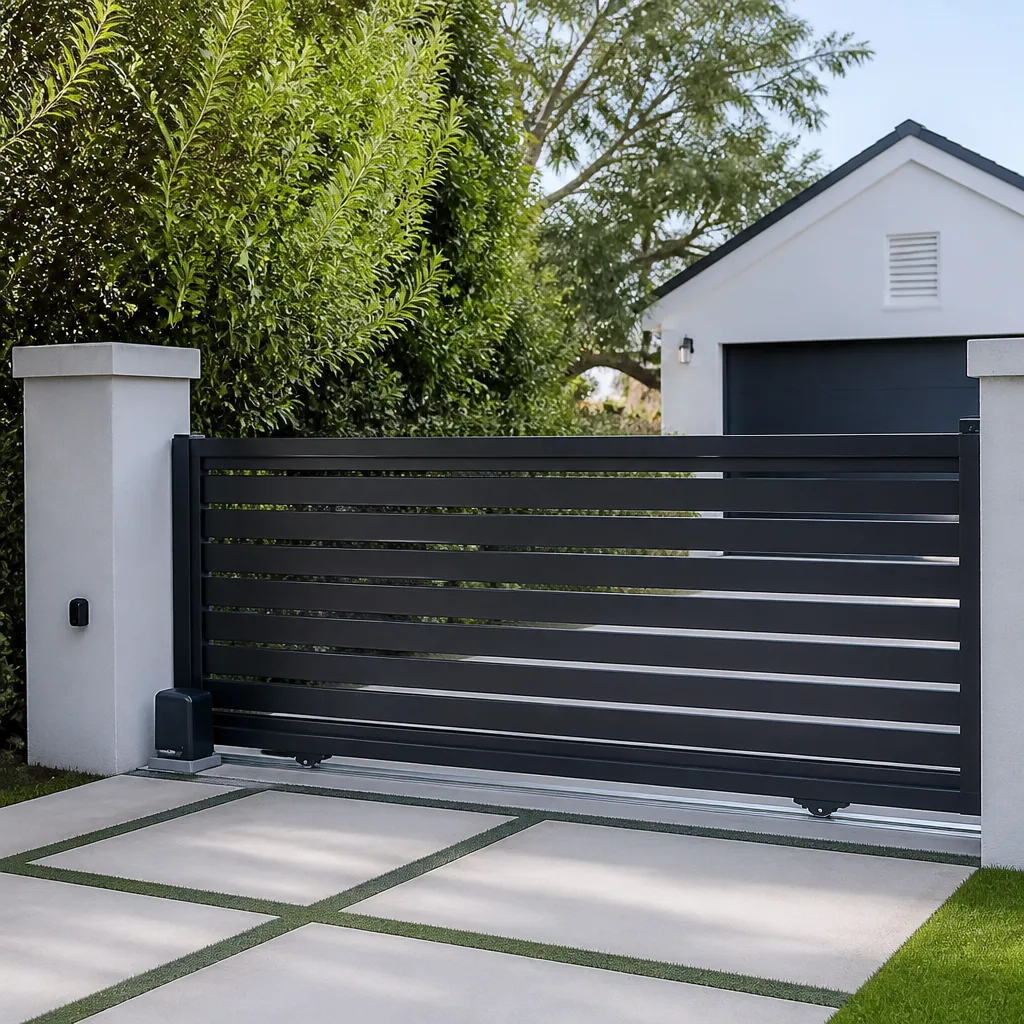 Sliding driveway gates
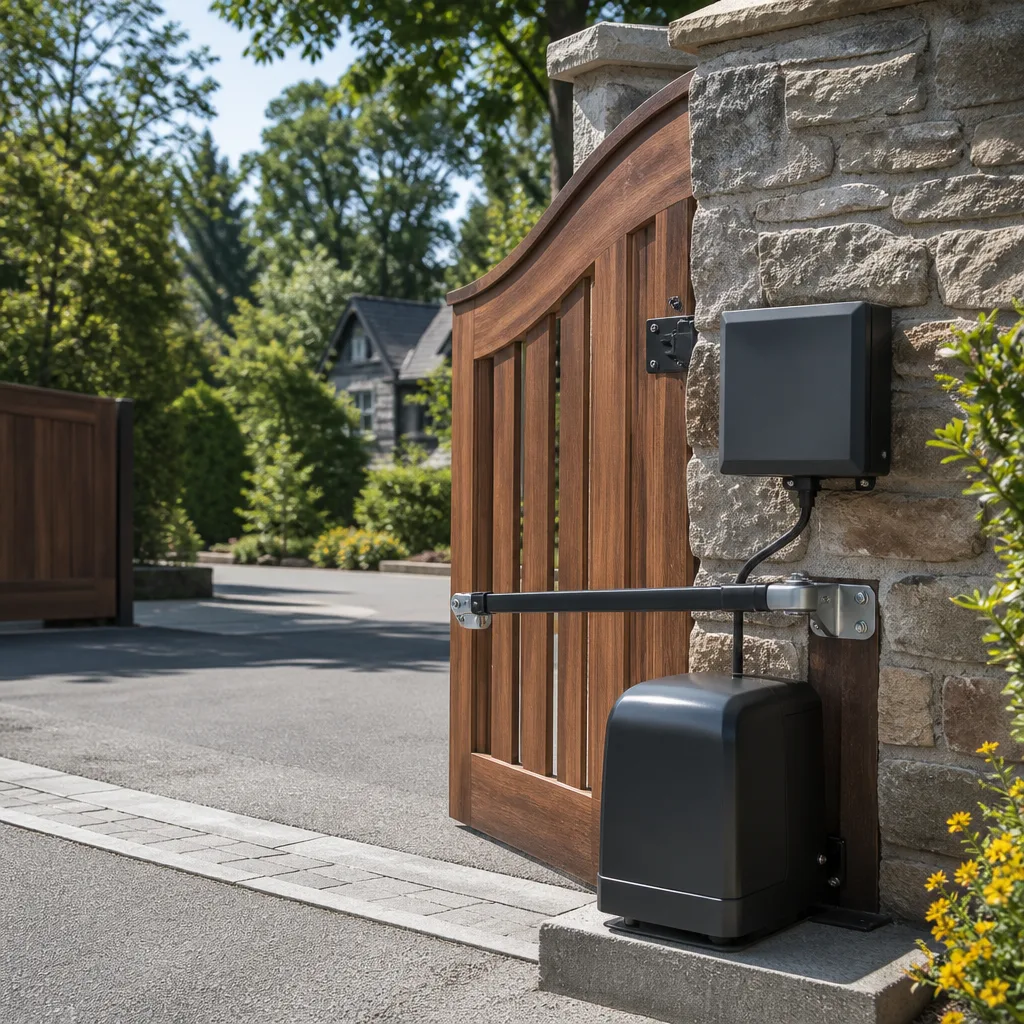 LiftMaster operators
Free on-site gate assessment - hinges, posts, and your LiftMaster or Nice gate operator checked before anything is quoted
The assessment is free and the quote is the invoice.
Get your free estimateGate Repair Emergency Preparedness Guide for Temecula Homes
Most Temecula homeowners think a gate emergency means a car that won’t get through. But the real emergency is the opposite: a gate that will not open when everyone needs to leave. During the 2018 Woolsey Fire evacuation, delayed egress from gated properties was documented by Riverside County emergency management as a contributing factor in evacuation delay. The leading cause was not failed motors. It was residents who couldn’t manually release their own gate operators under stress while smoke closed in. This guide treats gate emergency preparedness as the infrastructure readiness issue it actually is. You’ll learn the manual release procedure for your specific operator, how to configure fail-safe modes where possible, how to size a battery backup, and what to check after any forced manual operation. If you own an automated gate in Temecula, this is the most important preparation you can do this month.
Quick Answer
Emergency preparedness for a Temecula gate starts with knowing how to manually release your specific operator, a procedure that differs between LiftMaster, FAAC, BFT, and Linear systems. It also means configuring auto-open-on-power-failure where your operator supports it, sizing a battery backup appropriately, and posting clear emergency instructions at the keypad for anyone who doesn’t use the gate daily. Most owners skip this until a fire, outage, or medical emergency forces the issue, and by then the window to prepare has already closed.
Styles & brands we work with
- Wrought iron
- Wood & steel frame
- Farm & ranch
- Sliding driveway gates
- LiftMaster operators
Table of Contents
- Manual Release Procedures by Operator Brand
- Fail-Safe Mode: Auto-Open on Power Failure
- Battery Backup Sizing for Temecula Outages
- Emergency Contact Protocol at the Gate Keypad
- Post-Emergency Inspection Checklist
- Common Mistakes to Avoid
- When to Call a Professional
- Frequently Asked Questions
Manual Release Procedures by Operator Brand
The first and most important skill for any Temecula homeowner with an automated gate is knowing how to put the gate into manual mode. This is not a single procedure. Each manufacturer designs the manual release differently, and what works on a LiftMaster will not help you with a FAAC. In our experience, homeowners who install a gate rarely have the manual release demonstrated at the end of the job. They inherit the gate from a previous owner and never think about it until a power failure or operator fault locks the gate in place.
LiftMaster manual release
Most residential LiftMaster swing or slide gate operators use a red or yellow release handle mounted directly on the operator housing. For slide gates, the release is often a lever that disengages the drive chain or belt from the motor sprocket. For swing gates, look for a metal pull-handle or a keyed release cylinder. The exact location varies by model, so locate it before an emergency. Pull the handle or insert the key and turn until the gate moves freely by hand. On some models, you may need to hold the release open while pushing the gate.
FAAC manual release
FAAC operators, common on older residential and light commercial gates in Temecula, typically use a keyed manual release cylinder mounted on the side of the operator housing. Insert the included key and turn it counterclockwise to disengage the motor. The gate should now swing freely. If the key is missing, you can sometimes access the release through a small access port, but this varies by model and may require removing the housing cover. This is the time to find your key and label it, not during a fire evacuation.
BFT manual release
BFT slide gate operators generally have a manual release lever located at the base of the operator near the output shaft. On many models, you pull this lever up or out to disengage the gearbox. Swing gate BFT operators often place the release handle on the top of the unit under a small flip-up cap. The handle turns a quarter turn and lifts to release the gate. If you’re unsure, make a note to check your specific BFT model against the manufacturer label on the housing.
Linear manual release
Linear operators, frequently installed on residential slide gates in Temecula’s newer developments, put the manual release on the front or side of the operator. Many use a T-handle or a red pull-knob that disengages the chain. Once released, the gate can be pushed along its track by hand. Make sure the gate’s wheels and track are clear of debris before you attempt to move it, because a derailed gate is far heavier than it looks.
What if your operator is not listed here?
Other brands installed in Temecula include Viking, Ghost Controls, DoorKing, Elite, and Mighty Mule. Each has its own release mechanism. The general rule is the same: locate the release now, operate it once with nothing at stake, and label it clearly. If your operator predates your ownership of the house, have a gate repair technician show you the release during a routine visit. We demonstrate it on every call because it is the single most useful thing a gate owner can know.
Fail-Safe Mode: Auto-Open on Power Failure
Some operators can be configured to open automatically when utility power drops. This is called fail-safe mode, and it solves the manual release problem before it starts. If your gate is a slide or swing gate with a magnetic lock, a fail-safe configuration means the gate opens and stays open during an outage. That is exactly what you want during a Temecula power crisis when evacuation is possible. But not every operator supports this mode, and understanding which camp you fall into changes your entire contingency plan.
Operators that support fail-safe configuration
- LiftMaster commercial and residential models: Many higher-end LiftMaster slide and swing operators can be programmed to open on power loss via the control board. This requires a menu setting, not a physical change.
- FAAC operators with electro-mechanical locks: Some FAAC models release the lock when power drops, allowing the gate to be pushed open without a key.
- Linear operators with battery backup inputs: When paired with an appropriately sized battery backup, certain Linear boards can be set to open the gate on AC failure.
- BFT operators with fail-safe relay logic: Selected BFT control boards include a fail-safe relay that can open the gate when the input voltage drops.
Operators that cannot be configured for fail-safe
Budget-oriented and older operators often have no fail-safe option. Many Mighty Mule and Ghost Controls models, particularly the DIY-oriented lines, use a mechanical lock that stays engaged when power drops. The gate will not open automatically, and you cannot configure it to. If you own one of these, your preparedness plan is manual release first, battery backup second, and posted instructions third. Nothing else compensates for a locked gate with no power.
Confirming your configuration
The best way to know whether your operator supports fail-safe mode is to check the installation manual for the exact model number. If you don’t have the manual, the model number is printed on a label on the operator housing. A technician can confirm the setting quickly. The wrong assumption is dangerous: thinking your gate will open on power loss and discovering it doesn’t is far worse than knowing from the start that you’ll need the manual release.
Battery Backup Sizing for Temecula Outages
Temecula’s power outages generally fall into two categories. The first is the typical Southern California Edison maintenance or fault outage, often lasting a few hours and sometimes rolling through neighborhoods in the afternoon heat. The second is a broader grid event, which in recent years has occasionally stretched into a multi-day situation during extreme weather. Your battery backup should be sized for the realistic worst case, not the optimistic best case.
What a typical battery backup can do
A correctly sized battery backup on a residential slide or swing gate operator will hold the gate in automatic operation for anywhere from 12 to 48 hours, depending on the operator’s draw and how often the gate cycles. This keeps the keypad, safety edges, and motor functional through most SCE outages. It also means you avoid the manual release unless the outage outlasts the battery. Battery capacity is measured in amp-hours, and the required size depends on your operator. A gate that cycles twenty times a day draws far more than one that cycles twice.
Why a multi-day grid event is different
A multi-day outage is where most residential battery backups fall short. Even a large backup battery will eventually deplete if the gate cycles normally during an extended event. The correct contingency plan for a multi-day outage is not a bigger battery alone. It is a combination: a battery large enough to get you through the first day or two, a fail-safe configuration if supported, and a clear manual release procedure for everyone in the household. No battery makes the gate automatic forever.
Sizing guidance
- Typical SCE outage (under 12 hours): A standard gate battery backup rated for your operator, usually 7 to 12 amp-hours, will keep a residential gate running through most short outages without issue.
- Extended outage (12 to 48 hours): You need a larger battery, often 18 to 35 amp-hours depending on gate type and cycle frequency, plus a plan to manually release if the battery outlasts the grid event.
- Multi-day grid event (48+ hours): Do not rely on any battery alone. Plan for manual operation, pre-position the release tools, and consider whether a generator or temporary power feed is justified for your property.
The right battery for a Temecula gate depends on your operator’s control board and charging circuit. Some boards are designed to maintain a backup battery automatically; others need a separate charger or battery enclosure. An electric gate repair technician can tell you whether your existing operator can accept a battery backup at all.
Emergency Contact Protocol at the Gate Keypad
You know how to operate your gate. The problem is the person who doesn’t: a house sitter during a vacation, a visiting family member, or a first responder trying to get onto the property during an emergency. If they don’t know how to open the gate manually, or who to call if the keypad is dead, the gate becomes a barrier at the worst possible moment. The solution is a posted protocol, and it costs nothing.
What to post at the gate keypad
- Basic operating instructions: One sentence: “To open from outside, enter code and press #.” You know this. A visitor may not.
- Manual release location: A short note: “Manual release is on the operator housing behind the gate, red handle.” Or for a FAAC: “Manual release is a keyed cylinder on the operator, key hangs inside garage.”
- Emergency contact number: This should be a person who will actually answer during an emergency. Write the number large enough to read in low light.
- Power outage instructions: If your operator has fail-safe, write: “This gate opens automatically when power fails.” If it doesn’t: “This gate must be released manually during a power outage. See instructions above.”
- Animal or emergency personnel access note: If relevant: “Fire department access: manual release is reachable from outside.” Clear this with your local agency before posting it.
Keep it laminated and current
A paper note fades and tears. Laminate it. Check it every time you change gate codes or replace an operator. If the number on the sheet is outdated, the sheet is worse than useless because it creates false confidence. This is a simple task that takes ten minutes and could matter most on the day everything else goes wrong.
Post-Emergency Inspection Checklist
After you have manually released a gate and operated it by hand, do not simply re-engage the operator and assume everything is fine. A forced release, especially on a slide gate that was pushed hard or a swing gate pushed past its normal travel, can knock components out of alignment. Returning the gate to automatic operation without a quick check can cause a second failure days later, often when you’re not paying attention.
Run through these checks in order
- Visual inspection of the track or hinges: Slide gates: check for debris, bent track sections, or wheels that have jumped the rail. Swing gates: check hinges for looseness or unusual gap changes.
- Manual movement test: With the operator still released, push the gate through its full travel. It should move smoothly with no grinding, dragging, or catching. Resistance means something has shifted.
- Re-engage the operator: Follow the manufacturer’s procedure to restore automatic operation. On many models, you close the release lever or turn the key until it clicks, then let the operator complete an open-close cycle to re-synchronize.
- Run a full open-close cycle: Trigger the gate from the keypad or remote. Watch and listen for unusual noise, hesitation, or a gate that doesn’t reach full open or full close position.
- Test the safety devices: Place an object in the gate’s path during closing to confirm the safety edge or photo sensors reverse the gate. After a forced release, these can be damaged or misaligned.
- Check limit settings: If the gate stops short or overtravels, the limits may have drifted. Some operators re-learn limits automatically after a release cycle; others need a manual reset.
- Verify the keypad and remotes: Confirm all entry devices still work. A power surge or outage can reset board programming, wiping codes in rare cases.
If anything on this list doesn’t check out, don’t ignore it. A gate that runs poorly after a manual release tends to get worse, not better. This is one of the most common patterns we see: a forced release followed by a half-working gate, then a full failure a week later at the worst possible time.
Common Mistakes to Avoid
- Not knowing which operator you have. You cannot prepare for a manual release you can’t identify. Write down the brand and model number now, and store it with your gate documents. Without it, any phone call for help starts from zero.
- Assuming the gate works when the power works. An electric gate can fail for reasons unrelated to power: a blown control board, a seized gearbox, a damaged safety edge. Your preparedness plan should cover operator failure, not just outage.
- Leaving the manual release key in a drawer halfway across the house. In an emergency, you need the key accessible within seconds, not after searching. Store it in a labeled, consistent location, and tell someone where it is.
- Never testing the manual release. A release mechanism that has sat for years can be stiff, rusted, or jammed. Testing it once a year under normal conditions means it actually works when the stakes are high.
- Posting nothing at the keypad. First responders and visitors won’t know your system. A simple laminated instruction sheet takes ten minutes and could save critical minutes during an evacuation or medical emergency.
- Relying on a battery backup that was never sized. A backup battery that runs down in four hours doesn’t help during a two-day outage. Size it to your real outage risk, not to the smallest option available.
- Skipping the post-release inspection. Re-engaging a gate after a forced release without checking alignment and safety devices invites a second, more confusing failure. Run the checklist every time.
When to Call a Professional
Some readiness tasks you can handle yourself: locating the manual release, posting instructions at the keypad, and running a basic test. But certain situations call for a gate specialist, and delaying a call often makes the repair more involved. If your operator won’t re-engage after a manual release, if the gate is off its track, if the control board is dead after a power surge, or if you can’t locate the manual release at all, those are the times to bring in someone who works on automated systems daily. A general handyman or fence contractor often lacks the low-voltage and motor knowledge these systems require. Gate Repair Temecula offers free estimates in Temecula, and our technicians diagnose first and recommend second, working on the system you already have rather than pushing a replacement. Call (877) 358-4544. We answer 24/7. Fast dispatch from 7am to 7pm, Sunday through Friday.
Frequently Asked Questions
Locate the manual release on your operator: a red or yellow pull-handle or keyed cylinder on LiftMaster, a keyed release on FAAC, a lever near the output shaft on BFT, or a T-handle or pull-knob on Linear. Pull or turn it to disengage the motor, then push the gate by hand. The exact location varies by model, so find it and test it before you actually need it. Call (877) 358-4544 for help identifying your operator if the label is missing.
Some operators support fail-safe mode, which opens the gate automatically on power loss. Many LiftMaster, FAAC, BFT, and certain Linear models include this option in the control board settings. Budget and older models often do not, meaning you’ll need a manual release plan. The only reliable way to know is to check your model number against the manufacturer manual.
For a typical SCE outage under 12 hours, a standard 7 to 12 amp-hour backup battery keeps most residential gates running. For extended outages up to 48 hours, you need 18 to 35 amp-hours depending on gate type and usage. No battery carries a gate through a multi-day event indefinitely; pair it with a manual release plan and, if supported, fail-safe configuration.
Post a laminated sheet with basic entry instructions, the manual release location, an emergency phone number, power outage behavior, and any fire department access notes that have been cleared with your local agency. Keep it updated whenever codes or equipment change. A posted protocol helps house sitters, family members, and first responders operate a system they have never used.
Inspect the track or hinges for damage, test manual movement for smooth travel, re-engage the operator, run a full open-close cycle, test safety devices, verify limit settings, and confirm all keypads and remotes still work. Any hesitation, noise, or alignment problem after a forced release should be checked by a technician before it worsens.
We work on automated and manual gate systems across Temecula, including LiftMaster, FAAC, BFT, Linear, Viking, Ghost Controls, DoorKing, Elite, and Mighty Mule. Gates are all we do, so every job gets a gate specialist, not a generalist. Call (877) 358-4544 for a free estimate. We answer 24/7. Fast dispatch from 7am to 7pm, Sunday through Friday.
The Bottom Line
Emergency preparedness for a Temecula gate comes down to five things: know your operator model, locate and test the manual release, configure fail-safe mode if your unit supports it, size a battery backup to your realistic outage exposure, and post a clear protocol at the keypad for everyone else. None of these steps is hard, but almost no one does all of them until necessity forces the issue. A gate that opens when you need it to leave is infrastructure that works. A gate that doesn’t is a barrier at the worst possible moment. Prepare now, while nothing is on fire, and you won’t have to learn any of this under stress.
Written by the team at Gate Repair Temecula, serving Temecula since 2016.
See the difference
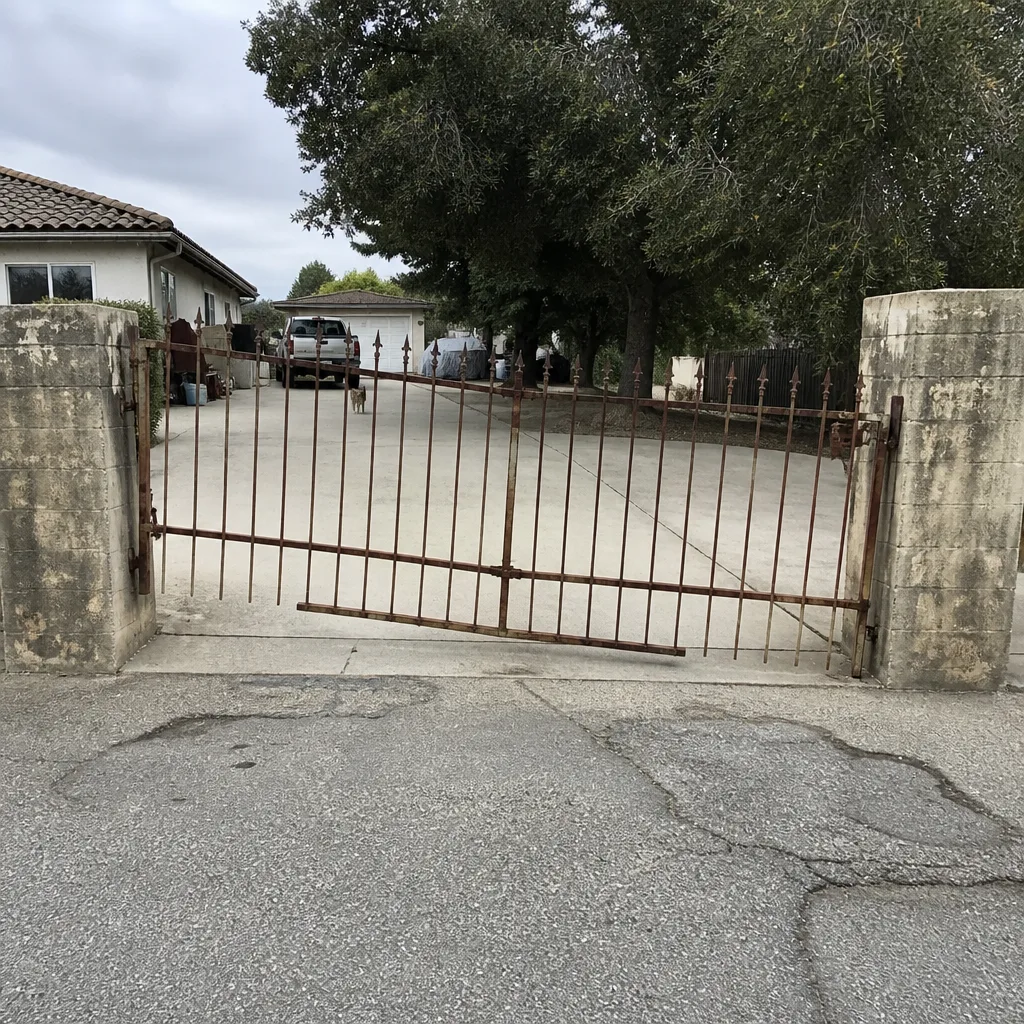 Before
 After
 Before
 After
 Before
 After